
Description
Fast Ethernet Dual Band Mesh System | 3-pack | Cudy
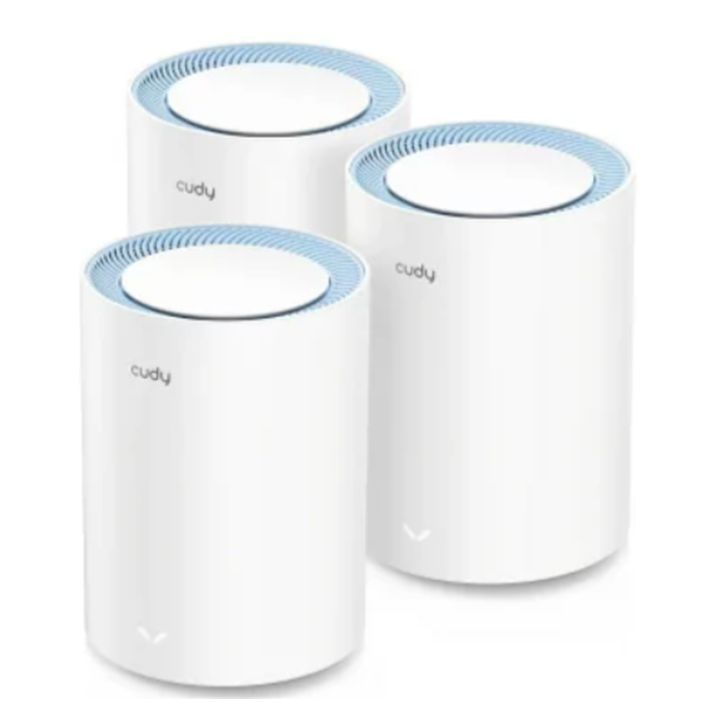
The Fast Ethernet Dual Band Mesh System is an entry-level, whole-home mesh networking solution designed to eliminate dead zones and provide a stable wireless blanket across medium to large properties.
Instruction manual for the Fast Ethernet Dual Band Mesh System [click here]
How to choose the right WiFi mesh system?
When selecting a WiFi mesh system to expand your WiFi network, there are a few key factors to look at. Here is a guide to selecting the right system.
- Match the mesh generation to your internet speed: do not overpay for the newest mesh system if your internet package cannot exploit it, but do not buy a legacy mesh system that bottlenecks a fast line.
- WiFi 5 (AC1200 / AC1900): ideal for budget setups and internet packages under 100 Mbps. Crucial check: ensure the physical ports are “Gigabit” if your plan is right at 100 Mbps; entry-level WiFi 5 kits (like the Tenda MW3) use 10/100 Fast Ethernet ports, which max out around 95 Mbps.
- WiFi 6 (AX1800 to AX5400): the current mainstream sweet spot. Perfect for plans ranging from 100 Mbps to 1 Gbps. It handles dense smart home device environments far better than WiFi 5 by processing multiple client streams simultaneously.
- WiFi 6E and WiFi 7: essential if you pay for 1 Gbps to 2+ Gbps lines and own modern, compatible client devices (like newer laptops or flagship smartphones). These open up the pristine, uncongested 6 GHz wireless highway.
- Dual-band vs tri-band: mesh units must talk to your devices as well as talk to each other simultaneously. How they handle this communication determines your performance.
- Dual-band systems use the same 2.4 GHz and 5 GHz bands to connect to your devices and transmit data back to the primary router. Because the radio has to share its time, your Wi-Fi speed is roughly halved at each secondary node. Fine for basic browsing, but poor for heavy streaming or gaming from a satellite node.
- Tri-band systems feature a dedicated third wireless lane used exclusively for node-to-node communication. Your satellite nodes preserve nearly 100% of your internet line speed, making this highly recommended for fast packages or dense homes.
- Factor in structural barriers: manufacturer packaging usually rates coverage in square meters (e.g., “covers up to 300 m²”). Always assume real-world coverage is 30% lower than the box claims.
- Box ratings are calculated in open spaces or inside thin drywall structures typical of US homes.
- Solid brick internal walls, concrete floor slabs, and reinforced fire doors heavily degrade radio frequency signals. If you have a multi-story home built with brick and mortar, opt for a 3-pack instead of a 2-pack, or ensure the system supports Wired Ethernet Backhaul so you can link the nodes via structured cables.
- Port counts and smart home ecosystems: look past the wireless specs and check the physical base of the nodes:
- Ethernet ports: some compact nodes offer only one or two LAN ports. If you plan to place a node near an entertainment center or home office and want to hardwire a gaming console, PC, or media hub, you’ll want more ports—or you’ll need to buy a separate cheap unmanaged network switch.
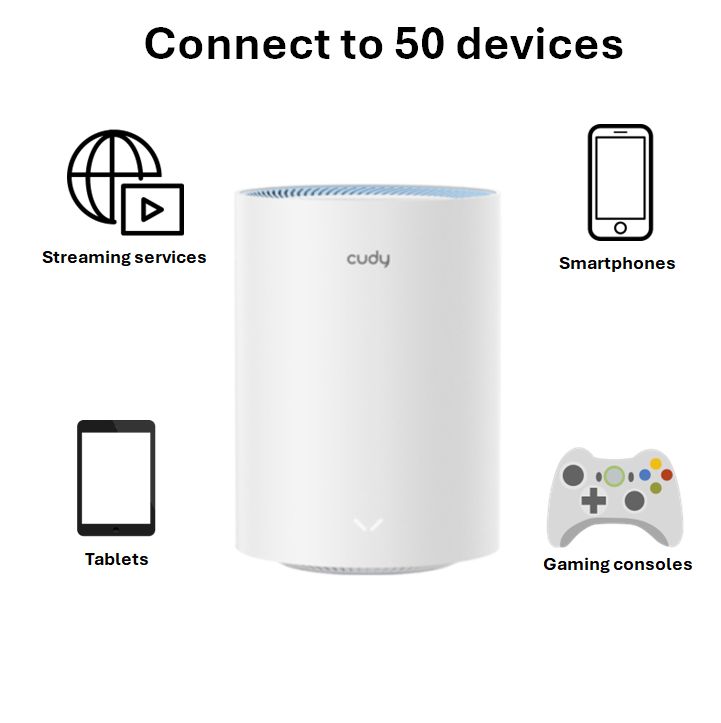
- IoT capacity: if your home is loaded with smart devices, prioritize systems that advertise high device thresholds (e.g., 100+ clients) and feature robust built-in Beamforming and MU-MIMO technologies.
Product features
- Whole-home mesh and seamless roaming: the 3-pack configuration creates a single, unified WiFi network. As you move from room to room, your devices automatically switch to the node with the strongest signal in milliseconds, preventing buffering or disconnections.
- Dual-band WiFi 5 technology: operates on both the 2.4GHz and 5GHz bands simultaneously to reduce congestion.
- Built-in advanced VPN options: unusually robust for a budget-friendly router, it features built-in support for multiple VPN Server and client protocols.
- Smart home optimized: features MU-MIMO and Beamforming technologies, allowing the system to talk to multiple devices simultaneously and focus the signal directly toward connected clients, improving stability for smart home modules and mobile devices.
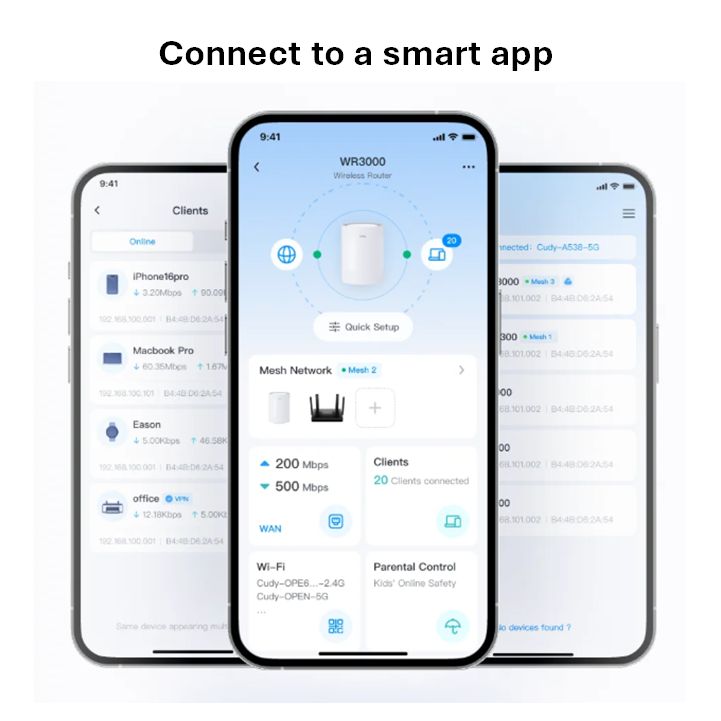
- Easy management: fully manageable locally or via cloud control through the Cudy Mobile App, which includes parental controls (web filtering, profiling, scheduling) and simple network monitoring.
Specifications
- Input voltage: 12VDC
- Antenna gain: 2x 4dBi internal antennas
- Beam-width: 360°
- Coverage: 220 square meters (ideally for 3~4 bedroom houses)
- Data rate:
- 2.4GHz: 300Mbps
- 5.8GHz: 867Mbps
- Ethernet ports: 2x 10/100 (Per Mesh Point)
- Hardware button:
- Reset
- Pair
- Power consumption: 10W
- Mounting: desktop
- Operating system: Cudy
- Operating temperature: 0°C~+40°C
- PoE input: none
- PoE output: none
- Serial interface: none
- SIM slots: none
- USB ports: none
- Dimensions: 150 x 150 x 110 (L x W x H in mm)
What is in the box?
- 3 x M1200 units
- 3 x Power adapter
- 1 x Ethernet cable
- 1 x Instruction manual
Reviews
There are no reviews yet.