

Description
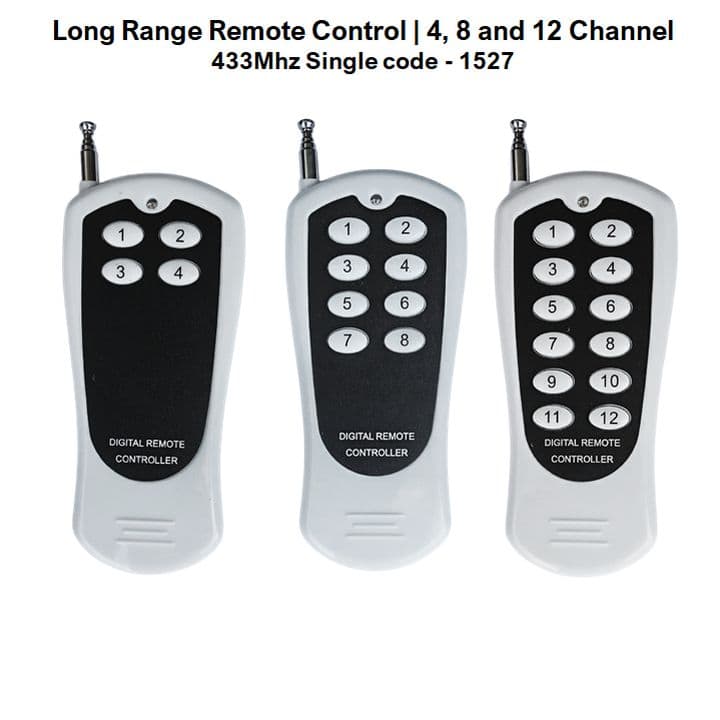
12-Channel 433MHz Remote | Long Range
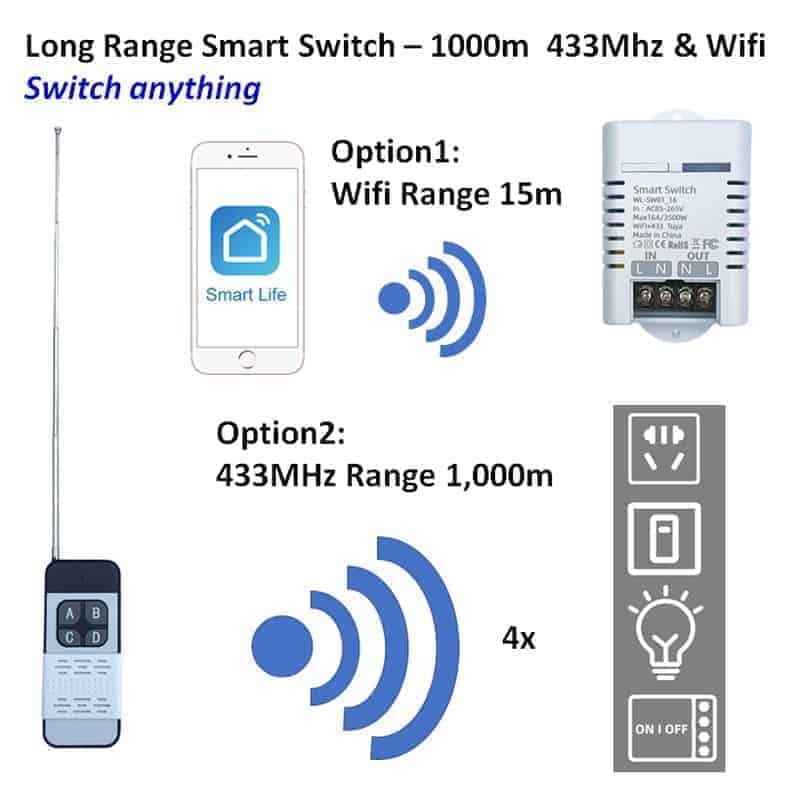
The 12-Channel 433MHz Remote is a common wireless transmitter used to control smart home devices that have a 433MHz RF functionality. Unlike Wi-Fi or Zigbee devices that communicate through a network, these remotes use simple radio frequency (RF) signals to send direct commands to a receiver.
Product features
- Frequency range: operates on the ultra-high frequency (UHF) band, specifically 433.92 MHz. This frequency is widely used because it has a good balance between range and power consumption.
- Signal range: typically effective between 20 and 100 meters in an open field. Indoors, this is reduced by walls and interference, usually reaching 10 to 30 meters.
- Modulation: most 433MHz remotes use ASK (Amplitude Shift Keying) or OOK (On-Off Keying) to transmit data bits.
Specifications
- RF type: 433MHz
- Signal range:
- Open field: effective between 20 and 100 meters
- Indoors: effective between 10 and 30 meters
- Modulation type: ASK (Amplitude Shift Keying)
Advantages of using an RF remote in a smart home setup
- Low latency: there is virtually no “lag” compared to Wi-Fi devices that have to communicate with a cloud server.
- Connectivity: these remotes do not require an internet connection or a router to function.
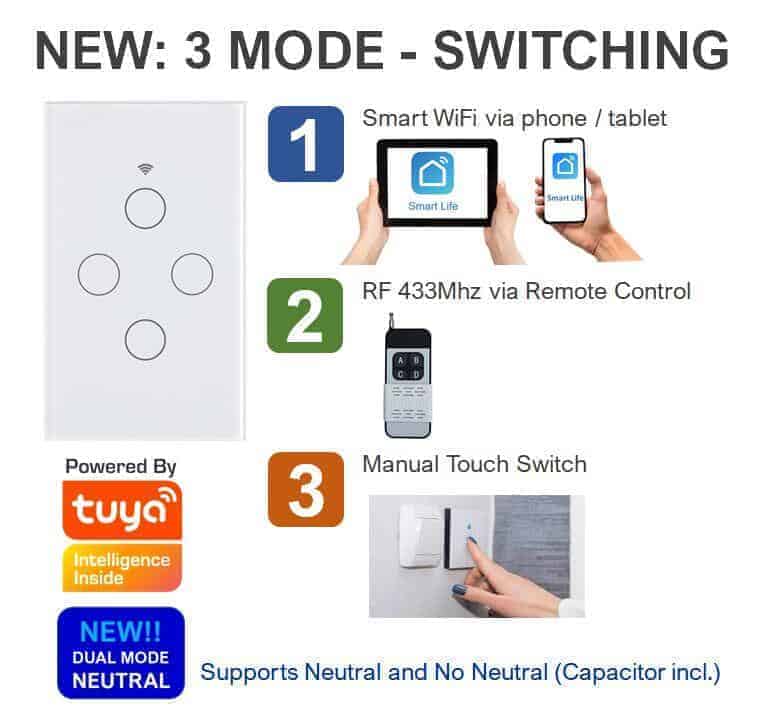
- Bridge compatibility: many smart hubs (like the Tuya/Smart Life RF Bridge) can “learn” the signal from these remotes.
Pairing the remote to your smart device
There are normally two ways of pairing the remote to your smart device.
- Method 1: pair the remote via the app.
- Step 1: download the Tuya smart app and pair your smart device to your smartphone.
- Step 2: go into the smart device in the app. Tap on settings (that is on the bottom right-hand corner).
- Step 3: you should see a category called RF remote set-up. Tap on it.
- Step 4: tap on add remote, it will count down from 10 seconds. During the countdown, press any button on your 433MHz remote to connect to the smart device.
- Step 5: test the remote to see if the smart device switches on or off.
- Method 2: pair the remote physically.
- Step 1: press and hold the 433MHz remote button for ±3 seconds.
- Step 2: while hold the remote button, press the smart device’s on or off button. It should have paired successfully.
- Step 3: test the remote to see if the smart device switches on or off.
What is in the box?
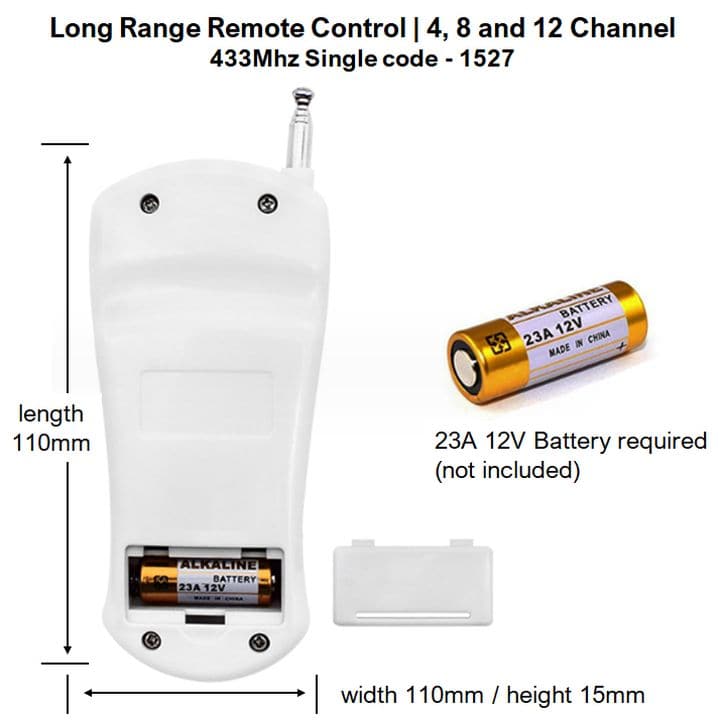
- 1 x 12-Channel 433MHz Remote
Reviews
There are no reviews yet.