Description
Smart F2 Door Lock | Outdoor, Key, Code and Fingerprint | Tuya Smart Life
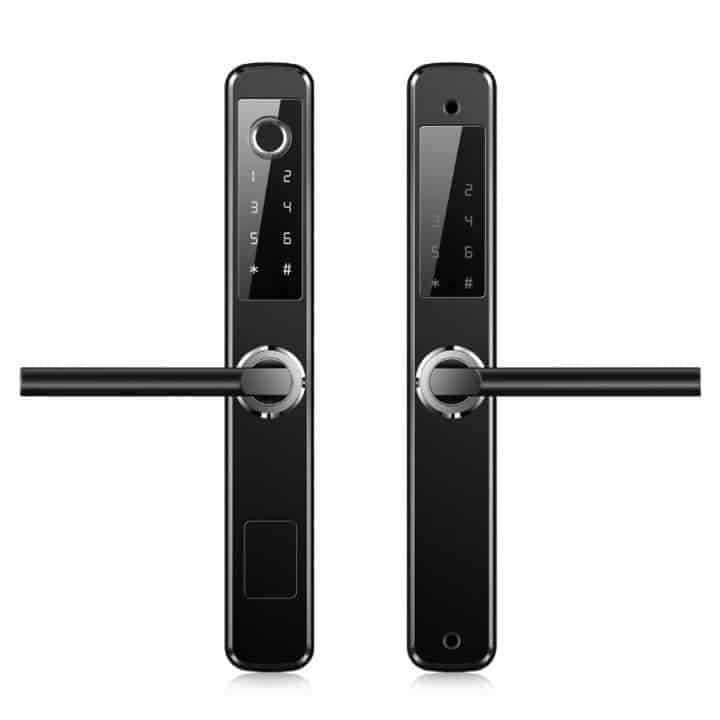
The Smart F2 Door Lock is a versatile, high-security biometric door handle designed for both residential and commercial use. It is widely popular for its “slim-line” design, making it one of the few smart locks compatible with thin-profile doors, such as aluminum doors.
Product features
- The F2 is a “5-in-1” lock, offering multiple ways to manage entry:
- Biometric fingerprint: uses a high-speed semiconductor sensor located on the key pad for one-motion unlocking.
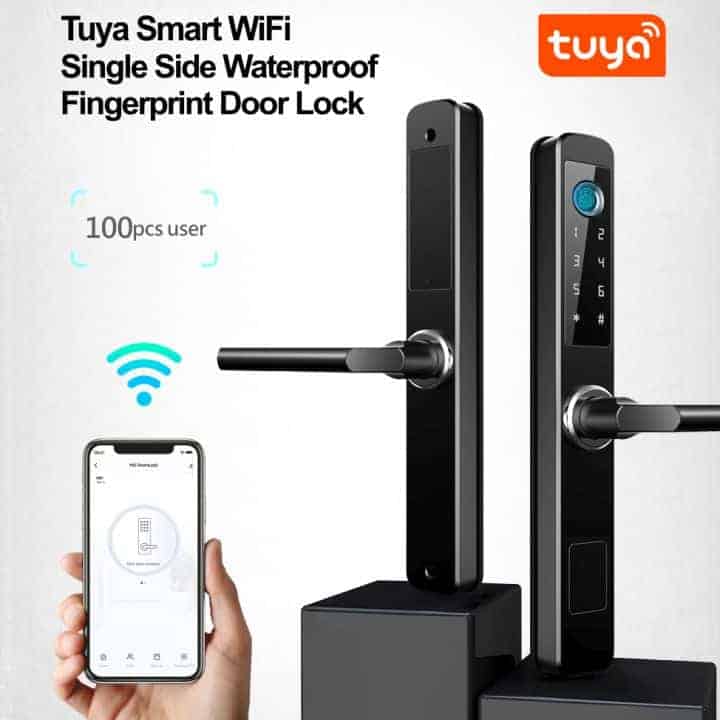
- Smart app: remote unlocking, access log monitoring, and management of user permissions via Wi-Fi (built-in).
- Digital keypad: supports backlit numeric codes with “anti-peep” technology (allowing you to enter random digits before/after your real code to hide it from onlookers).
- IC cards: contactless entry using encrypted smart cards or fobs.
- Mechanical override: includes traditional physical keys and a hidden keyway for emergency access.
How to add the smart lock to the Tuya smart app?
Some Tuya smart locks are not in ‘pairing mode‘ by default for you to add them to the Tuya smart apps, like some of the Tuya smart products. You need to press some buttons on the lock to get it into ‘pairing mode‘. Here are the steps to get the smart lock into pairing mode:
- Step 1: touch the keypad until it is active (you should hear the voice ask to enter ‘input unlock information‘).
- Step 2: enter * and #. It will then ask to enter the administrative passcode (the default administrative passcode is in the instruction manual). After entering the administrative passcode, press #.
- Step 3: The lock will then read out 4 numbers.
- 1: is to go into admin settings (to add or delete admin).
- 2: is to go into user settings (to add or delete users).
- 3: is to go into system settings.
- 4: is to factory reset the smart lock.
- Step 4: Press number 1 (to go into admin settings).
- Step 5: The lock will then read out 3 numbers:
- 1: to add a new admin
- 2: to delete an admin
- 3: to go into network settings
- Step 6: Press number 3 (network settings).
- Step 7: The smart lock will read out 2 numbers:
- 1: hotspot connection
- 2: intelligent connection
- Step 8: Press number 1 (hotspot connection). When you have selected 1, the device will now be in ‘pairing mode‘. You can now go into the Tuya smart app on your smartphone. The device should be automatically detected, and tap on the smart lock that is being detected. If the device is not being detected. Scroll down to Camera & lock. Then look for Lock(WiFi). The app should now detect your smart lock.
Please note that to add the tags or cards that were provided, you need to add them as an admin or a user. Please follow steps 1 to 5.
Specifications:
- Static current: ≤50μA
- Dynamic current: ≤180mA
- Administrator capacity: 9
- Fingerprint capacity: 100
- Combination capacity (fingerprint + card capacity + code): 300
- Fingerprint sensor: semiconductor
- Fingerprint contrast time: ≤0.6 seconds
- Fingerprint identification angle: 360-degrees
- False rejection rate: ≤0.1%
- False recognition rate: ≤0.0001%
- Power type: 6V
- Emergency power: 5VDC
- Operating temperature: -25°C~+60°C
- Operating humidity: 20%~90% RH
- Key pad: touch standard, 12-bit
- Code length: 4-8 digits
- Phantom code length: 32 digits
- Low voltage alarm: 4.6±0.2V
- Unlock time: ≤1 second
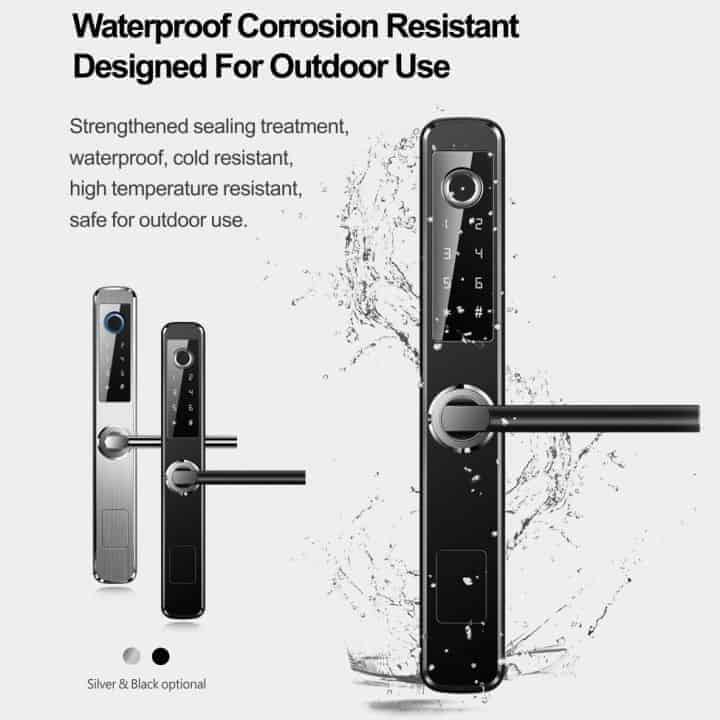
- Ingress protection: IP66
Note to use the lock remotely, the visitor needs to enter a special key to access the remote function.
Downloads: User Manual [click here]
Typical application (not limited to)
- Home
- Office
- Rental properties
What’s in the Box?
- 1 x Smart F2 Door Lock
- 2 x Keys
- 2 x Access Cards
- 1 x Use Manual
- 1 x Cut Out template
FAQ’s
- Why should I choose Tuya above all the other Smart Home Automation Platforms? [click here]
- How do I get started? [click here]
- What devices can presently be Smart Automated? [click here]
Home Automation is made Smart, Simple and Affordable via the Tuya, SmartLife App (Android or IOS), offering the fastest, most stable platform and widest range of Smart Products. Supports Alexa Echo Dot, Google Home, IFTTT and more…
Reshal D. (verified owner) –
Really brilliant product